
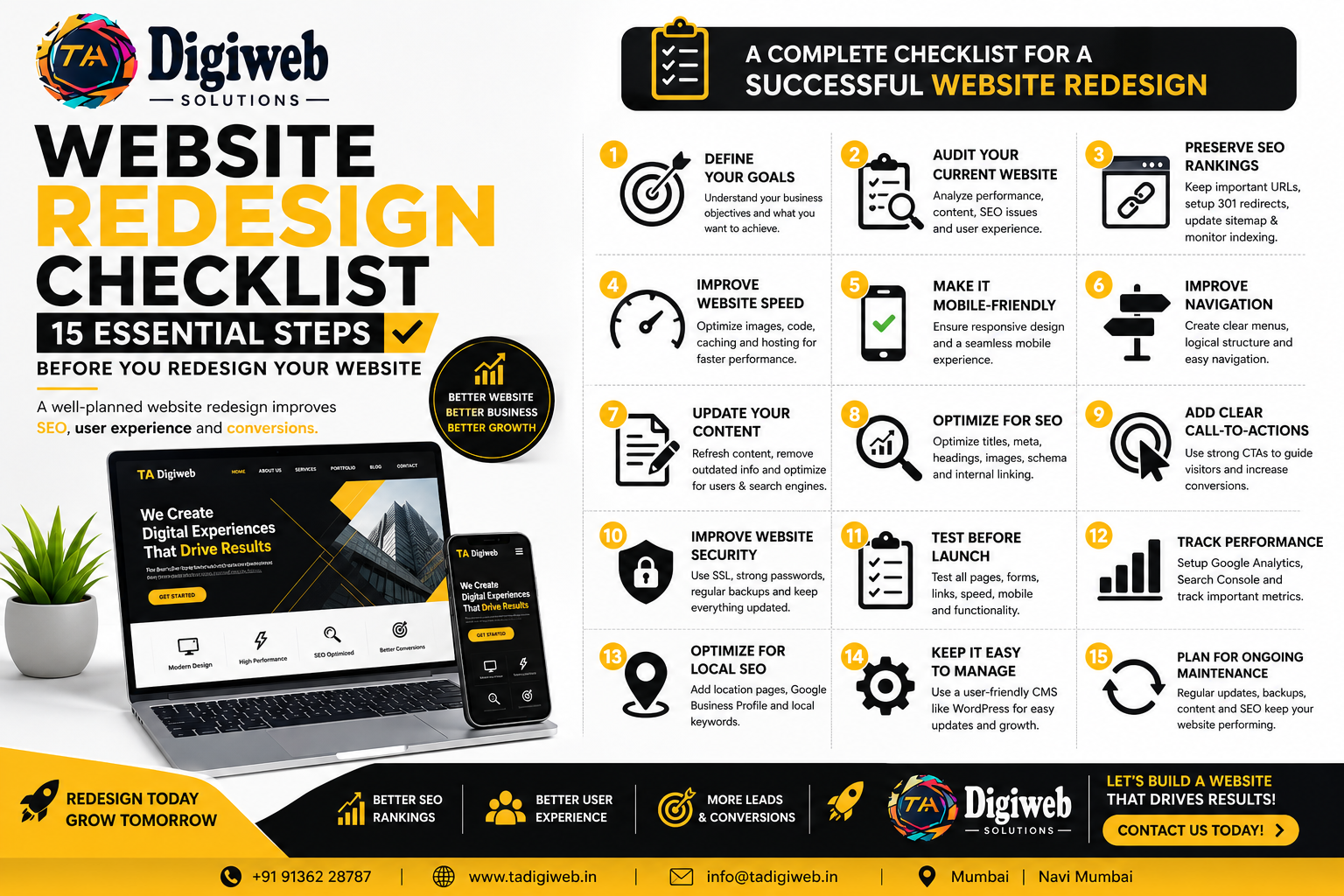
Website Redesign Checklist: 15 Essential Steps Before You Redesign Your Website
Your website is often the first impression customers have of your business. If it’s outdated, slow, or difficult to navigate, you could be losing valuable leads every day.
A professional website redesign isn’t just about changing colors or adding new images—it’s about improving performance, user experience, SEO, and conversions.
In this guide, we’ll walk you through a complete Website Redesign Checklist to help ensure your new website performs better than your old one.
Why Redesign Your Website?
Businesses redesign their websites to:
- Improve Google rankings
- Increase website speed
- Enhance user experience
- Generate more leads
- Improve mobile responsiveness
- Modernize the design
- Increase conversions
- Stay ahead of competitors
A well-planned redesign helps create a better experience for both users and search engines.
1. Define Your Website Goals
Before redesigning your website, ask yourself:
- Do you want more leads?
- More online sales?
- Better SEO rankings?
- Improved website speed?
- Better mobile experience?
Having clear goals helps guide every design decision.
2. Audit Your Current Website
Review your existing website to identify:
- High-performing pages
- Low-performing pages
- Broken links
- Slow-loading pages
- Duplicate content
- Technical SEO issues
Understanding what’s working—and what isn’t—helps you preserve valuable content while improving weak areas.
3. Preserve Your SEO Rankings
One of the biggest mistakes businesses make during a redesign is losing their Google rankings.
Make sure you:
- Keep important URLs whenever possible
- Set up 301 redirects for changed URLs
- Preserve title tags and meta descriptions
- Maintain internal links
- Submit an updated XML sitemap
- Monitor indexing after launch
Protecting your existing SEO ensures you don’t lose valuable organic traffic.
4. Improve Website Speed
A fast website improves both user experience and SEO.
Optimize:
- Image sizes
- CSS and JavaScript
- Browser caching
- Hosting performance
- Core Web Vitals
- Lazy loading
Faster websites also reduce bounce rates and improve conversions.
5. Make Your Website Mobile-Friendly
Most users now browse websites on smartphones.
Your redesigned website should:
- Be fully responsive
- Load quickly on mobile devices
- Use readable fonts
- Have touch-friendly buttons
- Display content properly on all screen sizes
Google also prioritizes mobile-friendly websites in search rankings.
6. Improve Navigation
Visitors should find information within seconds.
Use:
- Clear menus
- Logical page hierarchy
- Simple navigation
- Internal linking
- Breadcrumb navigation
Good navigation increases engagement and reduces bounce rates.
7. Update Your Content
Website redesign is the perfect time to refresh your content.
Review:
- Service pages
- About Us page
- Homepage
- Blogs
- Contact page
- FAQs
Remove outdated information and optimize content with relevant keywords.
8. Optimize Every Page for SEO
Every page should include:
- SEO Title
- Meta Description
- H1 Heading
- Image Alt Text
- Internal Links
- Schema Markup
- Optimized URLs
This helps search engines understand and rank your website.
9. Add Clear Call-to-Actions (CTAs)
Guide visitors toward taking action with CTAs like:
- Get a Free Quote
- Book a Consultation
- Contact Us
- Call Now
- Request a Demo
Place CTAs strategically across your website to increase conversions.
10. Improve Website Security
Security builds trust and protects user data.
Include:
- SSL Certificate (HTTPS)
- Strong passwords
- Regular backups
- Security plugins
- Malware scanning
- Spam protection
A secure website also supports better search engine rankings.
11. Test Before Launch
Before going live, test:
- Forms
- Buttons
- Contact page
- Navigation
- Mobile responsiveness
- Browser compatibility
- Loading speed
- Payment gateways (if applicable)
Fix any issues before launch to ensure a smooth user experience.
12. Track Performance with Analytics
Install tools such as:
- Google Analytics 4 (GA4)
- Google Search Console
- Google Tag Manager
- Microsoft Clarity
These tools help monitor traffic, user behavior, and website performance after launch.
13. Optimize for Local SEO
If you serve customers in a specific location, optimize your website by:
- Adding location-specific pages
- Embedding Google Maps
- Updating your Google Business Profile
- Including local keywords
- Displaying business contact details consistently
This helps improve visibility in local search results.
14. Keep Your Website Easy to Manage
Choose a flexible platform like WordPress, allowing you to:
- Update content easily
- Add new pages
- Publish blogs
- Improve SEO
- Scale your website as your business grows
15. Plan for Ongoing Maintenance
A website redesign isn’t a one-time project.
Regularly:
- Update plugins
- Publish fresh content
- Monitor SEO performance
- Check for broken links
- Improve page speed
- Back up your website
Continuous maintenance keeps your website secure, fast, and competitive.
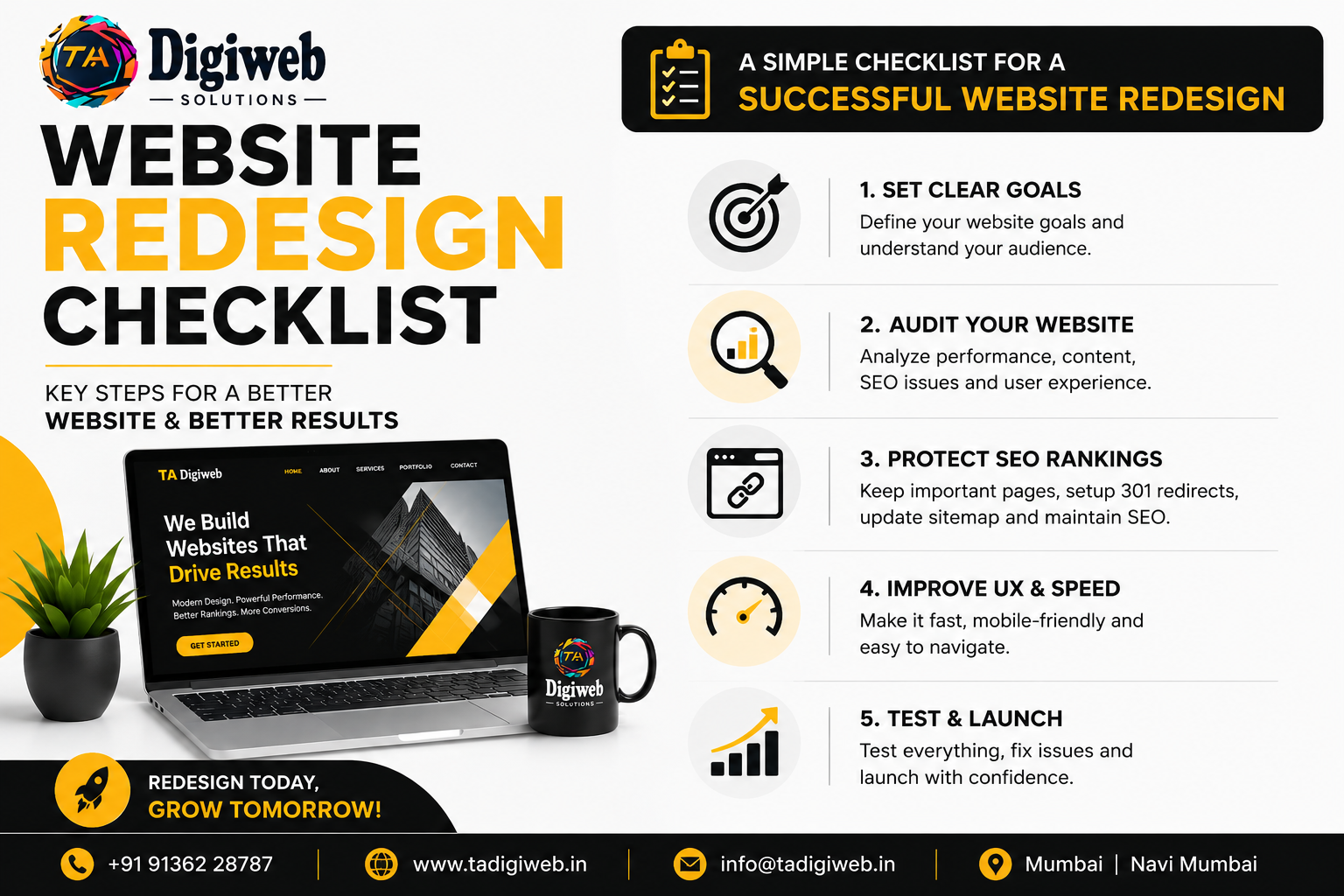
Common Website Redesign Mistakes to Avoid
- Launching without SEO planning
- Ignoring mobile users
- Deleting high-ranking pages
- Forgetting 301 redirects
- Slow website performance
- Poor navigation
- Weak CTAs
- Not testing before launch
Avoiding these mistakes can save you time, traffic, and revenue.
Why Choose TA Digiweb for Website Redesign?
At TA Digiweb, we create modern, SEO-friendly WordPress websites that help businesses grow online.
Our website redesign services include:
- Custom WordPress Design
- Mobile-Responsive Development
- SEO Optimization
- Website Speed Optimization
- Google Analytics & Search Console Setup
- Google Business Profile Integration
- Security Optimization
- Conversion-Focused Design
- Ongoing Support & Maintenance
Whether you need a business website, eCommerce store, or service-based website, our team delivers websites designed to rank higher, load faster, and generate more leads.
Final Thoughts
A successful website redesign goes beyond aesthetics. It should improve speed, SEO, user experience, and conversions while protecting your existing search rankings.
By following this Website Redesign Checklist, you can launch a website that’s modern, user-friendly, and optimized for long-term business growth.
If you’re planning to redesign your website, TA Digiweb is here to help. Contact us today for a FREE website audit and consultation and let our experts build a website that delivers real results.
Frequently Asked Questions (FAQs) About Website Redesign
1. When should I redesign my website?
You should consider redesigning your website if it looks outdated, loads slowly, isn’t mobile-friendly, has poor SEO performance, or isn’t generating enough leads or conversions. Most businesses benefit from a website redesign every 2–4 years to keep up with changing design trends and technology.
2. Will redesigning my website affect my SEO rankings?
A website redesign can affect your SEO if it isn’t planned properly. To protect your rankings, maintain important URLs, set up 301 redirects, preserve metadata, optimize page content, and update your XML sitemap. A well-executed redesign can actually improve your search engine rankings.
3. What should be included in a website redesign checklist?
A complete website redesign checklist should include a website audit, SEO planning, mobile responsiveness, website speed optimization, updated content, improved navigation, clear call-to-actions, security enhancements, analytics setup, and thorough testing before launch.
4. Why choose TA Digiweb for website redesign services?
TA Digiweb specializes in SEO-friendly WordPress website redesigns that improve website performance, user experience, Google rankings, and lead generation. Our team creates fast, responsive, and conversion-focused websites tailored to your business goals while ensuring your existing SEO value is preserved.
Our Categories
- Social Media Marketing
- Meta Ads
- Business Website Design
- Custom Web Development
- Website Security
- Website Speed Optimization
- Website Maintenance
- UI UX Design
- GMB Optimization service
- Landing Page Design
- Ecommerce Development
- WordPress Development
- Website Development
- Digital Marketing
- GBP Expert
- GBP Optimization service
- GMB Expert
- GMB vs GBP
- Google Business Listing
- Google Business Profile
- Google My Business
- Google Map Expert
- Local SEO consultant
- Local SEO Expert
- Local SEO Service
- SEO
- Rank on Google Map